
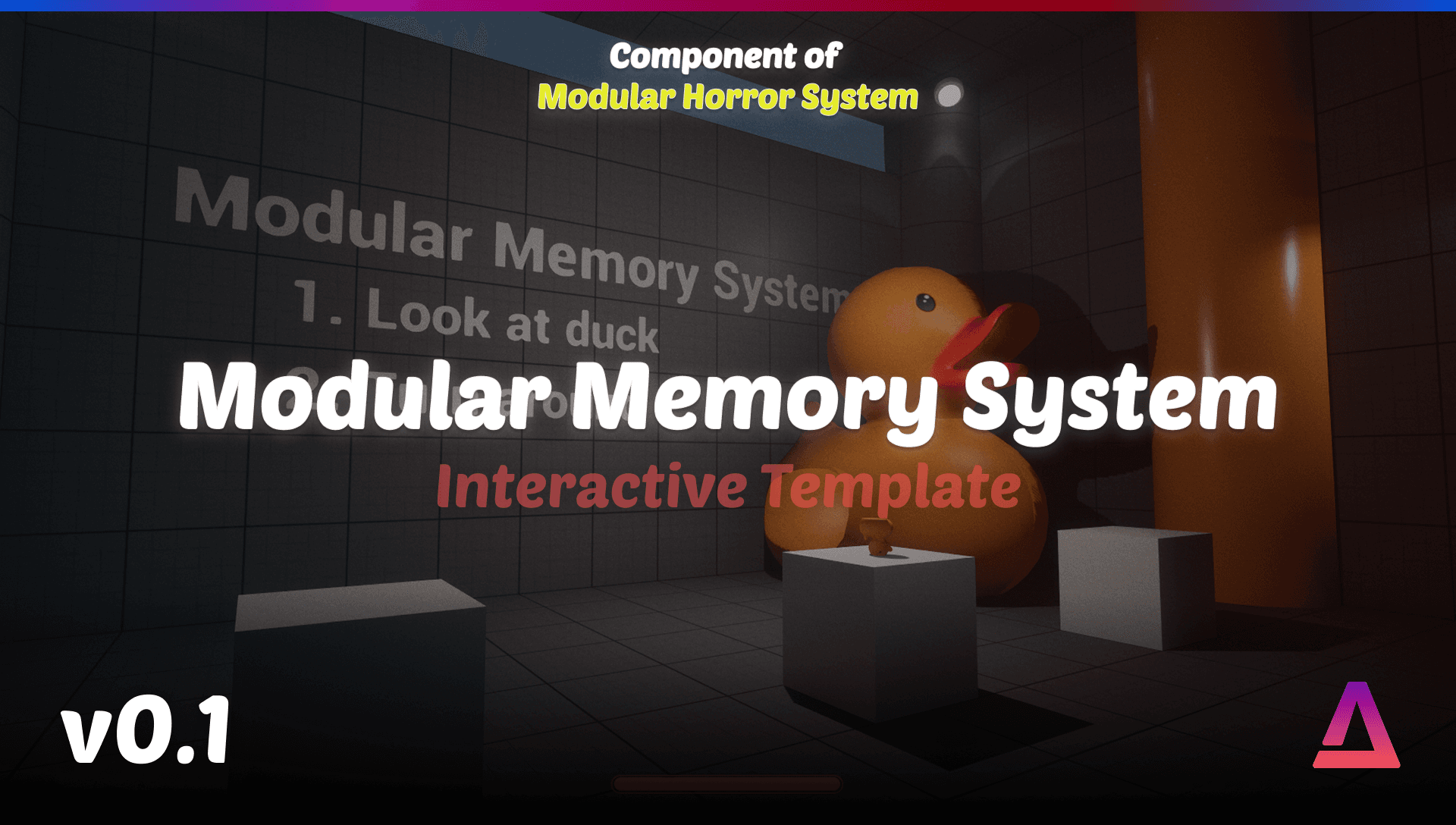
Modular Memory System
Transform your game's atmosphere with the Modular Memory System for Unreal Engine. This Blueprint-powered toolkit lets you create unsettling, dynamic object states that change when players look away.
Modular Memory System Documentation
Transform your game's atmosphere with the Modular Memory System for Unreal Engine. This Blueprint-powered toolkit lets you create unsettling, dynamic object states that change when players look away. Ideal for horror, psychological, and immersive games, it enables objects to vanish, move, or alter themselves—building tension through unreliable memory and perception mechanics.
Quick Start
- Import the System: Import the Modular Memory System into your Unreal Engine 5.6 or 5.7 project
- Add Component: Add BP_UnreliableMemory component to your Player Character
- Place Items: Drag and drop BP_UnreliableMemory_Item actors into your level
- Configure: Adjust public variables in the Details panel to customize behavior
Blueprint Systems
BP_UnreliableMemory
Component designed to be added to your Player Character to manage detection and triggering of unreliable memory events.
Purpose
This component performs line-of-sight checks and manages the player's "memory" of objects. It tells BP_UnreliableMemory_Item actors when they've been "forgotten" (e.g. player looks away) so they can change state.
Features
- Line-of-sight detection system
- Memory state management
- Automatic communication with memory items
- Player Character integration
Usage
- Open your Player Character blueprint
- Add the BP_UnreliableMemory component
- The component will automatically detect and manage all BP_UnreliableMemory_Item actors in the level
- Configure detection settings in the component's Details panel
Configurable Variables
- Detection Range - Maximum distance for line-of-sight checks
- Check Interval - How often to perform line-of-sight checks
- Memory Duration - How long objects remain "remembered" after losing line of sight
BP_UnreliableMemory_Item
Actor class for objects that can change state when the player looks away.
Features
- Automatic state changes when forgotten
- Fully editable logic for custom behaviors
- Public variables for easy configuration
- Modular design for drop-in usage
Key Features
- Public Variables: Exposed variables make it easy to customize the behavior of each item in-editor
- Fully Editable Logic: Add, update, or remove states and actions directly within the Blueprint
- Modular Design: Works as a drop-in component for existing levels or new projects
Configurable Variables
- Trigger Conditions - When the object should change state
- Disappearance Rules - How the object should behave when forgotten
- Alternate States - What state the object should change to
- Change Delay - Time delay before state change occurs
Usage
- Add to Level: Drag and drop BP_UnreliableMemory_Item into your level
- Configure: Adjust the public variables in the Details panel to set trigger conditions, disappearance rules, or alternate states
- Customize: Open the Blueprint to modify logic for more advanced or project-specific behaviors
State Change Options
- Vanish: Object disappears when player looks away
- Move: Object changes position when forgotten
- Alter: Object changes appearance or properties
- Custom: Implement your own state change logic
Integration
Adding to Player Character
- Open your Player Character blueprint
- In the Components panel, click "Add Component"
- Search for and add "BP_UnreliableMemory"
- The component will automatically start managing memory items
Adding & Updating Items
- Place BP_UnreliableMemory_Item actors in your level
- Configure each item's public variables
- Set trigger conditions and state change behaviors
- Test in-game to verify behavior
Customizing Behavior
- Open BP_UnreliableMemory_Item in the Blueprint editor
- Modify the state change logic
- Add custom events or actions
- Connect to other game systems as needed
Use Cases
Horror Games
- Objects that disappear when the player looks away
- Items that move to different locations
- Environmental changes that create unease
- Psychological horror mechanics
Psychological Games
- Perception-based puzzles
- Memory challenges
- Reality-bending mechanics
- Narrative-driven state changes
Immersive Experiences
- Dynamic world states
- Player-driven environmental changes
- Atmospheric storytelling
- Interactive narrative elements
Technical Details
UE Versions
- Unreal Engine 5.6
- Unreal Engine 5.7
Number of Blueprints
- 2 Core Blueprints
- BP_UnreliableMemory (Component)
- BP_UnreliableMemory_Item (Actor)
Input
- Keyboard and Mouse
FAQ
How does the line-of-sight detection work?
The BP_UnreliableMemory component performs regular line-of-sight checks between the player and memory items. When line of sight is broken, items are marked as "forgotten" and can change state.
Can I use multiple state changes on one object?
Yes! You can configure multiple state changes and chain them together. Open the Blueprint to customize the logic for complex behaviors.
Does this work with other systems?
Yes, the Modular Memory System is designed to work alongside other systems. You can connect state changes to other game mechanics, triggers, or events.
How do I customize the detection range?
Adjust the "Detection Range" variable in the BP_UnreliableMemory component's Details panel. This controls how far the system will check for line of sight.
Can objects change back to their original state?
Yes! You can configure objects to return to their original state when the player looks back, or implement custom logic for state restoration.
Support
- Discord: Join our Discord server for community support
- Documentation: This documentation is continuously updated
- Video Tutorials: Coming soon